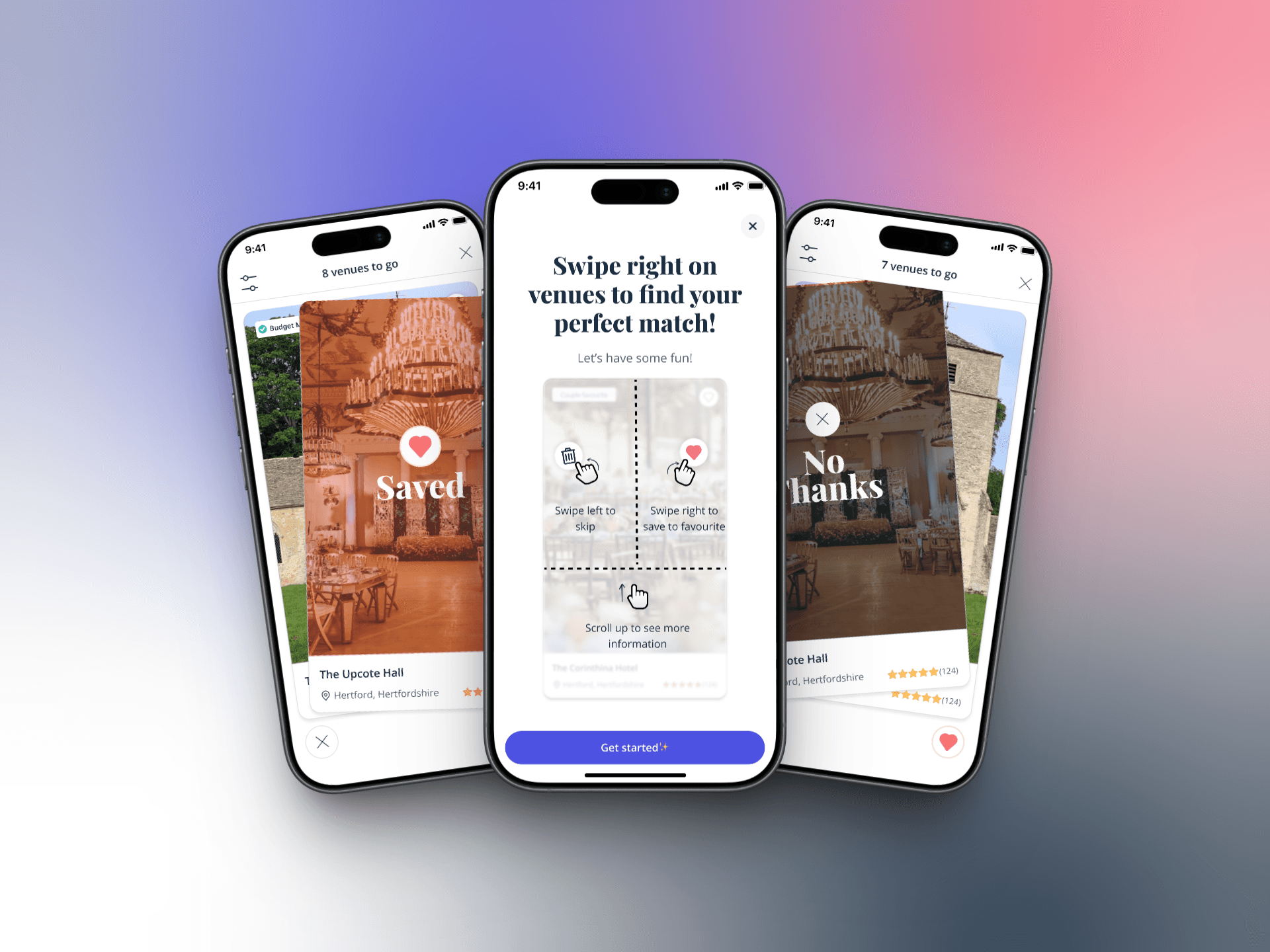
AI M/L Image Search (Inspiration Feature)
I led the design of an AI-powered image inspiration feed for couples planning their weddings—a Pinterest-like discovery experience that uses machine learning to surface personalised visual inspiration based on onboarding preferences and natural language search.
I worked as the Senior Product Designer, partnering closely with product and engineering.
I was responsible for:
Defining the interaction model for image discovery
Designing the mobile-only UI and states
Mapping user flows and constraints for the experiment
Aligning the design to retention-focused success metrics
Supporting the A/B test setup through clear UX assumptions
11 Jul 2025
Q3 2025
Content
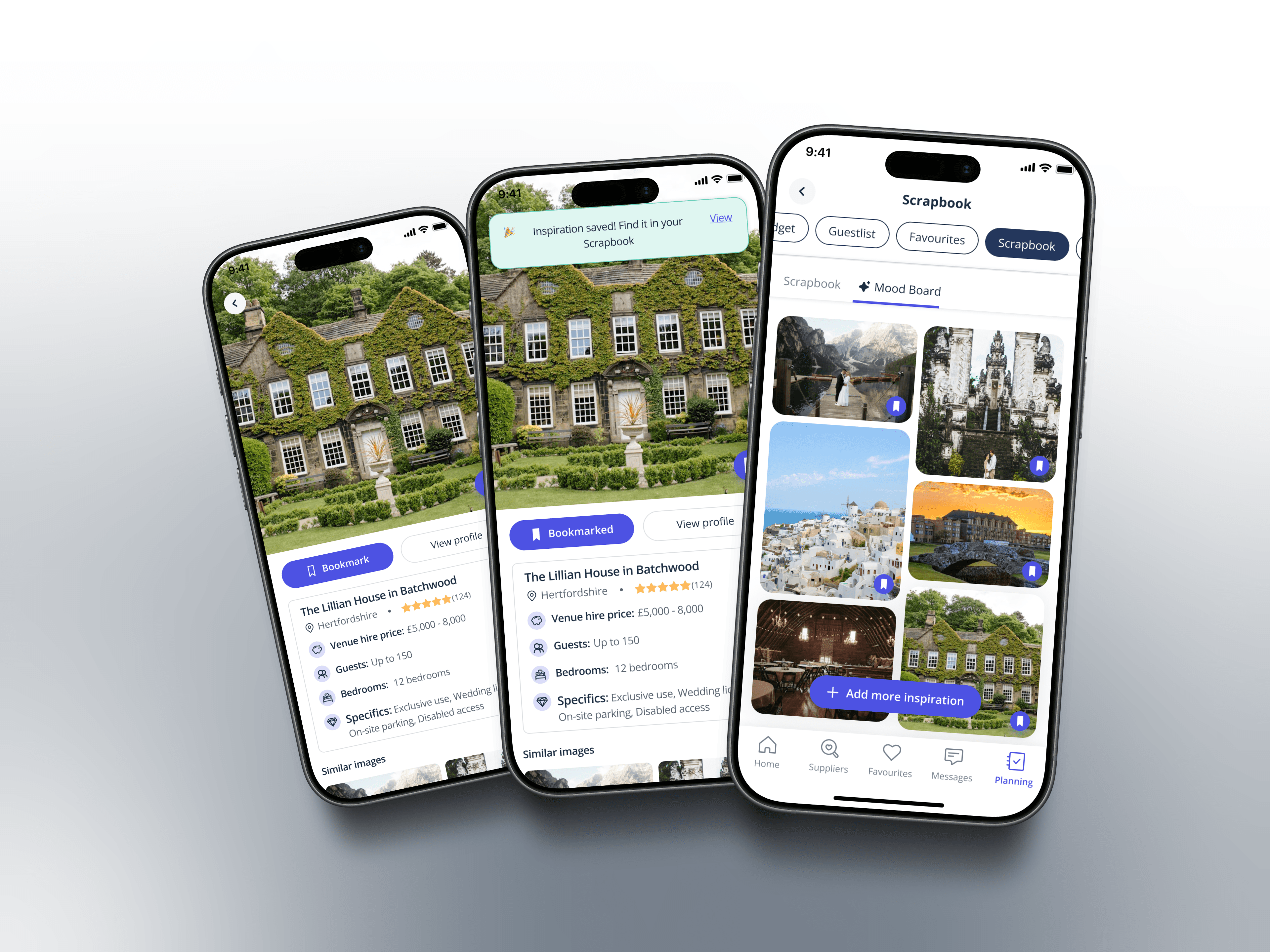
Could we use ML-powered image search to reduce time-to-value and drive meaningful engagement in the critical first week?
Wedding planning is inherently visual, yet our mobile users lacked an intuitive way to explore and save inspiration during their discovery phase. We hypothesised that creating a frictionless, visually-driven entry point on the homepage could significantly improve early retention by helping couples envision their wedding faster. Without an intuitive way to explore ideas visually, users faced friction when articulating preferences, leading to lower engagement and a higher risk of early drop-off. This limited the product’s ability to emotionally engage users at a critical moment, impacting short-term retention and downstream conversions.
I worked as the Senior Product Designer, partnering closely with product and engineering.
I was responsible for:
Defining the interaction model for image discovery
Designing the mobile-only UI and states
Mapping user flows and constraints for the experiment
Aligning the design to retention-focused success metrics
Supporting the A/B test setup through clear UX assumptions
Business Goals
Increase Week 1 retention by 2% (primary success metric)
Improve Day 1 retention as a leading indicator
Maintain or improve Sign-up to Enquiry conversion rates
Preserve First Contact Rate (FCR) quality
User Needs
Through user research, we identified that couples:
Feel overwhelmed during initial wedding planning phases
Struggle to articulate their vision in text-based searches
Need visual references to make decisions confidently
Want to save and organise inspiration without friction
Design Hypothesis
Users who engage with visual inspiration tools within their first session will demonstrate higher retention because they:
Quickly find value in the platform
Build an emotional connection to their wedding vision
Have a concrete reason to return (saved inspiration)
We introduced an ML-powered image inspiration feed, displayed at the bottom of the homepage on mobile. The feed dynamically surfaces images based on: Onboarding keywords User-entered prompts This feature acts as a low-effort entry point into discovery, similar to Pinterest, but contextualised for wedding planning.
Technical Limitations:
Mobile-only implementation (resource constraints)
UK market exclusively (A/B test scope)
Limited vendor profile interaction (MVP approach)
Design Constraints:
No preset category browsing (relied entirely on ML/search)
Vendor cards showed only name + location (reduced commercial friction during discovery)
Had to coexist with existing homepage modules without disrupting core conversion paths
These constraints shaped a laser-focused MVP designed for rapid validation.
Decision 1: Bottom-of-Page Placement
Why: Preserved high-intent conversion paths while capturing exploratory behavior. Data showed users scrolling past primary CTAs were in research mode.
Decision 2: ML-First, No Manual Presets
Why: Forced us to nail personalisation from the start. Also differentiated us from competitors relying on generic category browsing.
Decision 3: Minimal Vendor Profile Interaction
Why: Reduced commercial friction during the inspiration phase. We optimized for scrapbook saves (future intent) over immediate vendor engagement.
Decision 4: Similar Image Search
Why: User testing revealed couples often can't describe what they want but recognize it when they see it. Visual refinement created a feedback loop that improved ML accuracy.
A/B Test Structure
Control: Standard homepage without image feed
Variant: Homepage with ML image feed at bottom
Success Criteria:
✅ Test succeeds: +2% Week 1 retention
❌ Test fails: -2% Week 1 retention
Guardrail Metrics:
Sign-up to Enquiry conversion (cannot decrease)
First Contact Rate quality (must remain stable)
Results
Week 1 retention impact: [X%]
Day 1 retention impact: [X%]
Engagement rate with feed: [X%]
Average images saved per user: [X]
Qualitative feedback themes
What Worked
Natural language search met a real need for complex, nuanced queries
The save-to-scrapbook flow created a clear retention hook
Positioning at bottom of homepage balanced discovery with conversion
What I'd Iterate On
Add light preset categories as entry points (not everyone wants to type)
Test vendor profile expansion for users showing high intent signals
Consider desktop adaptation for users switching devices
Skills Demonstrated
Strategic Thinking: Balanced business metrics with user needs in a constrained MVP
Interaction Design: Created intuitive flows for ML-powered features
Systems Thinking: Designed within existing product ecosystem without disruption
Data-Informed Design: Structured experiment with clear success criteria
Mobile-First Expertise: Optimized for thumb-friendly interactions and performance
This project demonstrated my ability to design data-driven, AI-powered features that balance user delight with business objectives. By focusing on a tightly scoped MVP with clear success metrics, I delivered a testable solution that provided immediate user value while de-risking a larger strategic bet on ML-powered discovery.
The image search feature exemplifies my approach: deeply understand the user problem, design for measurable impact, and ship iteratively.